

About this guide: Written by the paid social team at Harmukh Technologies, a Meta Ads agency managing campaigns across India, UAE, UK, and Australia. Benchmarks and observations in this article are drawn from live accounts — not Meta’s marketing materials.
Last updated: March 2026 | Reading time: 13 minutes
If you have ever logged into Meta’s advertising ecosystem and felt immediately lost — you are not alone, and the confusion is not entirely your fault. Meta offers multiple entry points to advertising: the full Ads Manager interface, the Boost Post button, the Promote button on your Instagram profile, and a growing suite of AI-driven campaign tools like Advantage+ that abstract the setup process entirely.
Each of these serves a different purpose. Each has a different cost structure, a different degree of control, and a different ceiling on performance. Choosing the wrong one for your objective is one of the most common reasons Meta ad spend produces disappointing returns — not a bad product, not an unresponsive audience, but simply the wrong tool used for the wrong job.
This guide covers every type of Meta ad format, placement, and campaign entry point — what each is, when it is appropriate, and what its actual limitations are in 2026.
In This Guide
- Understanding the Meta ads ecosystem — why there are so many entry points
- Facebook Ads Manager — the professional campaign interface
- Campaign objectives in Ads Manager — choosing the right one
- Every Meta ad format — Image, Video, Carousel, Collection, and more
- Boosted Posts — what they actually do and when they are legitimate
- Instagram Promote — the mobile-first shortcut
- Advantage+ campaigns — Meta’s AI-automated option
- Meta ad placements — Feed, Stories, Reels, Audience Network, and Messenger
- Which Meta ad type should your business actually use?
- Frequently asked questions
Understanding the Meta Ads Ecosystem — Why There Are So Many Entry Points

Meta’s advertising ecosystem has been built incrementally over fifteen years — layering new products, new placements, and new automation tools on top of an infrastructure that was not designed from the start to support all of them simultaneously. The result is an interface that offers multiple ways to do nominally similar things, with meaningfully different outcomes depending on which path you take.
The three primary entry points are Ads Manager, the Boost button on individual posts, and the Promote button within the Instagram app. A fourth — Advantage+ campaigns — sits within Ads Manager but operates with a significantly different logic. Understanding what separates these is not an academic exercise. It determines whether your budget reaches the right people, whether your creative is served in the right context, and whether the data you collect is actionable or decorative.
The core distinction is control. Ads Manager gives you full control over objective, audience, placement, budget, schedule, creative format, and optimisation event. The Boost button gives you a simplified version of some of these. Advantage+ gives Meta’s algorithm control over most of them on your behalf. The right amount of control depends on your campaign’s sophistication and your account’s data maturity.
As we explore in our complete Meta Ads metrics guide, the metrics available to you — and their reliability — also differ significantly depending on which entry point you use to create your campaign.
Facebook Ads Manager — The Professional Campaign Interface
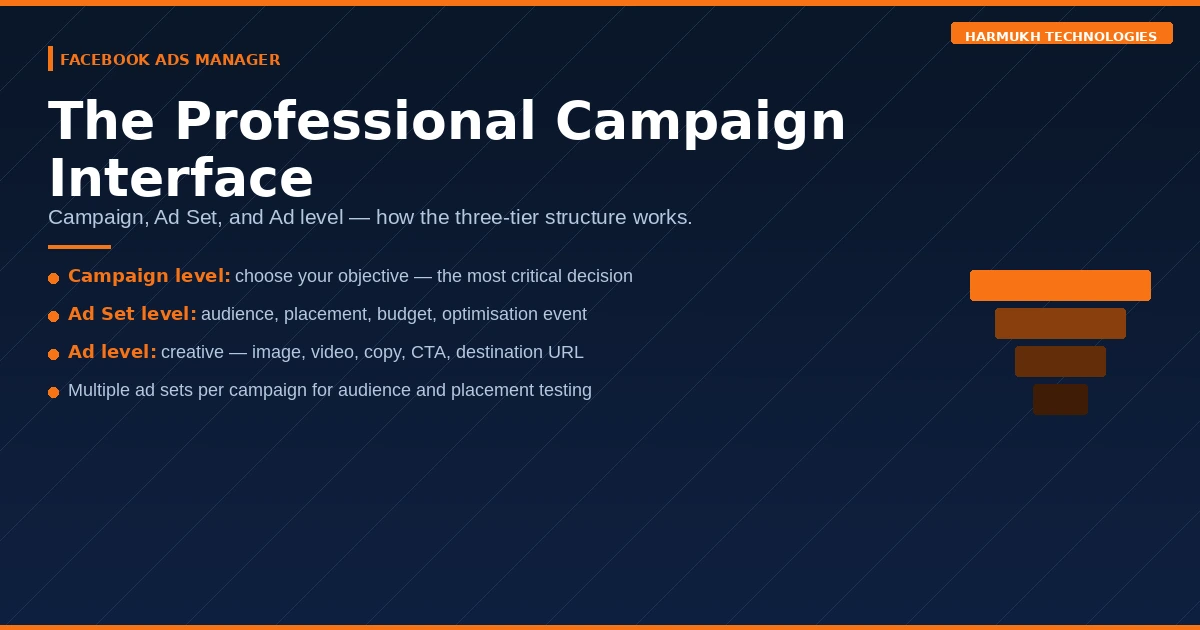
Ads Manager is Meta’s full-featured advertising platform, accessible at business.facebook.com/adsmanager. It is the interface used by professional media buyers, agencies, and any business running campaigns with genuine performance expectations. Everything else Meta offers is a simplified or automated derivative of what Ads Manager can do.
The three-level campaign structure
Ads Manager organises every campaign into three levels, each controlling a different set of decisions.
Campaign level: This is where you select your objective — the specific outcome you want Meta’s delivery system to optimise toward. The objective selection here is the most consequential decision in the entire campaign setup. Meta’s algorithm will serve your ads to the subset of your target audience most likely to complete the action you have defined. Get the objective wrong and the algorithm delivers to the wrong people, regardless of how well everything else is configured.
Ad Set level: This is where you define your audience, your placements, your budget, your schedule, and your optimisation event. A single campaign can contain multiple ad sets, each targeting a different audience segment or testing a different placement strategy. Budget can be controlled at either the campaign level — Campaign Budget Optimisation — or the ad set level, depending on your testing approach.
Ad level: This is where you build the creative — the image, video, copy, headline, description, call-to-action button, and destination URL. At the creative stage, tools like the Facebook Post Generator can help marketers quickly create engaging ad copy and social media content for better campaign performance. A single ad set can contain multiple ads, which Meta rotates in the auction based on predicted performance. In 2026, most ad sets in Ads Manager use Dynamic Creative or Advantage+ Creative, which allows Meta to automatically test combinations of your uploaded assets.
Why Ads Manager is the right tool for serious campaigns
The primary advantage of Ads Manager over every other Meta entry point is precision. You can define exactly who sees your ads — by demographics, interests, behaviours, custom audiences built from your own customer data, or lookalike audiences modelled on your best customers. You can control exactly where your ads appear. You can specify exactly which action you want to optimise toward — not just clicks or reach, but purchases, lead form completions, phone calls, or any event your pixel is tracking.
This precision compounds over time. As your pixel accumulates conversion data, Meta’s algorithm learns which audience signals correlate with your conversion events and sharpens its targeting accordingly. Ads Manager campaigns that have been running for 90+ days with consistent conversion data are fundamentally more efficient than campaigns started fresh — which is why premature account resets and constant campaign restarts are one of the most expensive habits in paid social management.
For a detailed breakdown of every metric available in Ads Manager and what each one actually tells you, see our Meta Ads metrics list.
Campaign Objectives in Ads Manager — Choosing the Right One
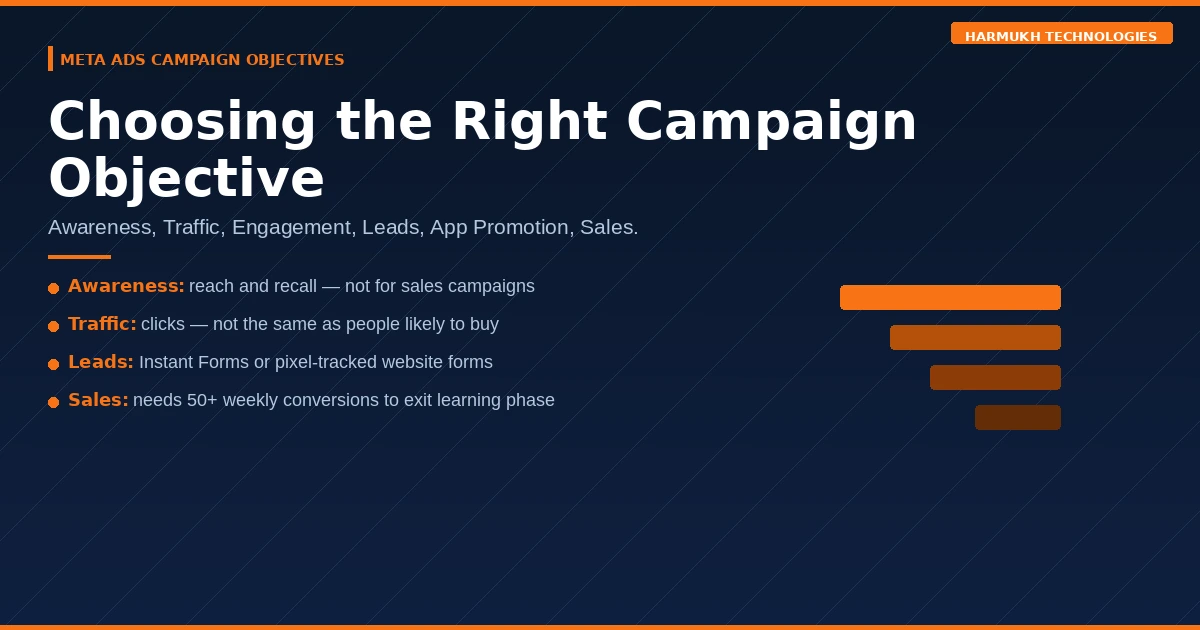
Meta restructured its campaign objectives in 2022 into six categories under what it calls the ODAX framework — Outcomes-based Advertising Experience. In 2026, these remain the six available objectives in Ads Manager. Selecting the wrong one is the most common structural error in Meta campaign setup.
Awareness
What it optimises for: Maximum reach and brand recall lift among your target audience. Meta delivers your ads to people most likely to remember seeing them.
When to use it: New market entry, product launches, or campaigns where your primary objective is to establish brand presence in a category before demand generation begins. Not appropriate for businesses that need immediate lead or sales volume.
What it does not do: It does not optimise for clicks, conversions, or any downstream business outcome. Running Awareness campaigns and expecting sales is a structural mismatch.
Traffic
What it optimises for: Clicks to your website, app, or Messenger conversation. Meta delivers to people most likely to click — which is not the same as people most likely to buy.
When to use it: Driving visitors to a landing page, blog post, or product page where the conversion event happens off-platform and is not tracked by your pixel. Also useful for warming cold audiences before running conversion-objective campaigns.
What it does not do: A Traffic campaign will not optimise for conversions even if you have pixel tracking set up. It will deliver to clickers, many of whom will bounce immediately. Use Conversion objective instead when you have conversion tracking live.
Engagement
What it optimises for: Post likes, comments, shares, Page follows, event responses, or video views. Meta delivers to people in your target audience who are most likely to interact with your content.
When to use it: Building social proof on a post before using it in a conversion campaign, growing a community, or running video content where view duration and completion rate are meaningful business signals.
What it does not do: Engagement does not drive website conversions or purchase behaviour. High engagement with low conversion is one of the most common vanity metric traps in Meta advertising.
Leads
What it optimises for: Completed lead forms — either Meta’s native Instant Forms (which open within the app without leaving Meta) or conversions on your own website’s lead form via pixel tracking.
When to use it: Any business where the sales cycle requires an enquiry before a purchase — professional services, real estate, healthcare, education, B2B. Instant Forms reduce friction significantly and typically produce higher lead volume than website-destination lead campaigns, though lead quality varies and requires CRM integration to validate.
App Promotion
What it optimises for: App installs or in-app events such as purchases or registrations. Requires your app to be connected to Meta’s SDK.
When to use it: Mobile app businesses only. Not relevant for most e-commerce or service businesses without a dedicated app.
Sales
What it optimises for: Purchases or other high-intent conversion events tracked by your Meta Pixel or Conversions API. Meta delivers your ads to people in your target audience most likely to complete the purchase action.
When to use it: E-commerce businesses with pixel tracking configured and a minimum of 50 purchase events per week to give Meta’s algorithm sufficient data to learn. Below that threshold, consider optimising toward a higher-volume event such as Add to Cart or Initiate Checkout while you build up purchase data.
What it does not do: A Sales campaign with fewer than 50 weekly conversion events will enter and exit Meta’s learning phase repeatedly, producing unstable and expensive results. This is one of the most common structural problems we diagnose in underperforming Meta accounts.
Every Meta Ad Format — Image, Video, Carousel, Collection, and More
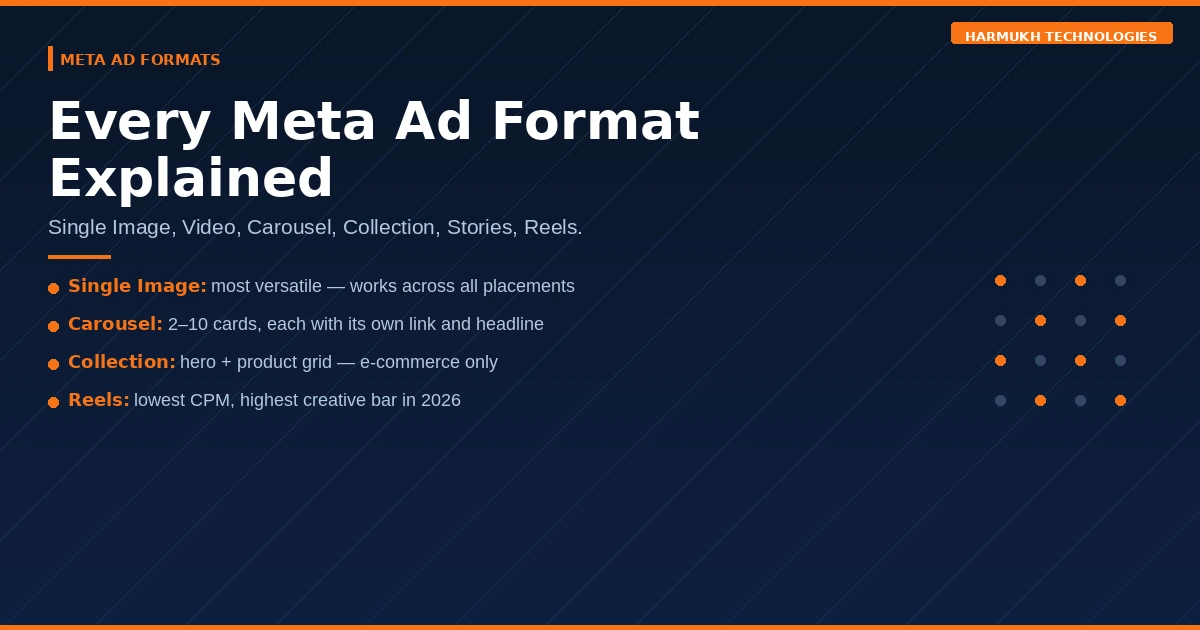
The ad format is the creative structure of your ad — distinct from the placement (where it appears) and the objective (what it optimises for). Each format has different creative requirements, different engagement patterns, and different situations in which it performs best.
Single Image Ads
The simplest and most versatile Meta ad format. A single static image paired with primary text, a headline, a description, and a call-to-action button. Single image ads render consistently across all placements and are the fastest to produce and test.
Best for: Direct response campaigns with a clear, singular offer. Product showcases. Retargeting campaigns where the audience is already familiar with the brand and needs a conversion nudge rather than an introduction.
Specifications: 1080 × 1080px (square) or 1080 × 1350px (portrait) for Feed. 1080 × 1920px for Stories and Reels. Keep text overlay below 20% of the image area to avoid delivery penalties.
Video Ads
Video ads can range from 1-second clips to 241-minute films, though Meta’s own data consistently shows that the first 3 seconds determine whether a viewer continues watching. Video ads outperform static image ads for cold audience reach and brand recall — particularly for products or services that benefit from demonstration or storytelling.
Best for: Top-of-funnel awareness and consideration. Product demonstrations. Brand storytelling. Any offer that is complex enough to require explanation before a click is warranted.
Specifications: Square (1:1) or vertical (4:5) for Feed. 9:16 for Stories and Reels. Hook within the first 3 seconds. Captions are essential — 85% of Facebook video is watched without sound.
Carousel Ads
Carousel ads display 2–10 cards within a single ad unit, each with its own image or video, headline, description, and destination URL. Users swipe horizontally through the cards. Each card can link to a different page on your website, making Carousels ideal for showcasing multiple products, multiple features, or a sequential narrative.
Best for: E-commerce product catalogues. Multi-feature software or service showcases. Sequential storytelling where each card advances a narrative. Retargeting campaigns showing a curated selection of products a user has already viewed.
Specifications: Each card: 1080 × 1080px. 2–10 cards per ad. Link each card to the specific product or page it features — not all to the homepage.
Collection Ads
Collection ads open into a full-screen Instant Experience when tapped, displaying a hero image or video above a grid of product images pulled from your catalogue. The entire experience loads within Meta’s app without the user leaving to a browser — reducing friction significantly for mobile purchases.
Best for: E-commerce businesses with a product catalogue connected to Meta. Fashion, home goods, electronics, and any category where browsing multiple products in one session is natural consumer behaviour.
Requirement: A product catalogue must be uploaded and connected to your Meta Business account. Collection ads are not available for service businesses without a product feed.
Instant Experience (Canvas) Ads
Full-screen mobile experiences that load instantly within the Meta app when a user taps your ad. You build the experience using text, images, video, carousels, and buttons — essentially a branded microsite that lives inside Facebook or Instagram. Load time is near-instant compared to external landing pages, which is a significant conversion advantage on mobile.
Best for: Brand storytelling, product launches, or any campaign where you want to deliver a rich brand experience without the load-time risk of directing mobile traffic to an external website.
Stories Ads
Full-screen vertical ads (9:16) that appear between organic Stories on Facebook, Instagram, and Messenger. Stories ads are inherently immersive — they occupy the entire screen with no competing content visible. However, they also require content specifically designed for the format. Repurposing Feed creative into Stories almost always produces poor results due to aspect ratio mismatches and the absence of the sound-off assumption.
Best for: Brand awareness and consideration campaigns targeting younger demographics. Promotions and time-sensitive offers where urgency is a creative lever. Any campaign where you have native vertical video produced specifically for the format.
Reels Ads
Ads that appear within the Reels feed on Facebook and Instagram, formatted as full-screen vertical video (9:16) up to 60 seconds. Reels placements are Meta’s fastest-growing inventory and currently benefit from lower CPMs than Feed placements due to lower competition. However, the content bar is high — Reels audiences have extremely low tolerance for content that feels like an ad rather than organic Reels content.
Best for: Brands with strong short-form video creative capability. Top-of-funnel awareness and reach objectives. Campaigns targeting 18–35 demographics where Reels consumption is highest.
Boosted Posts — What They Actually Do and When They Are Legitimate
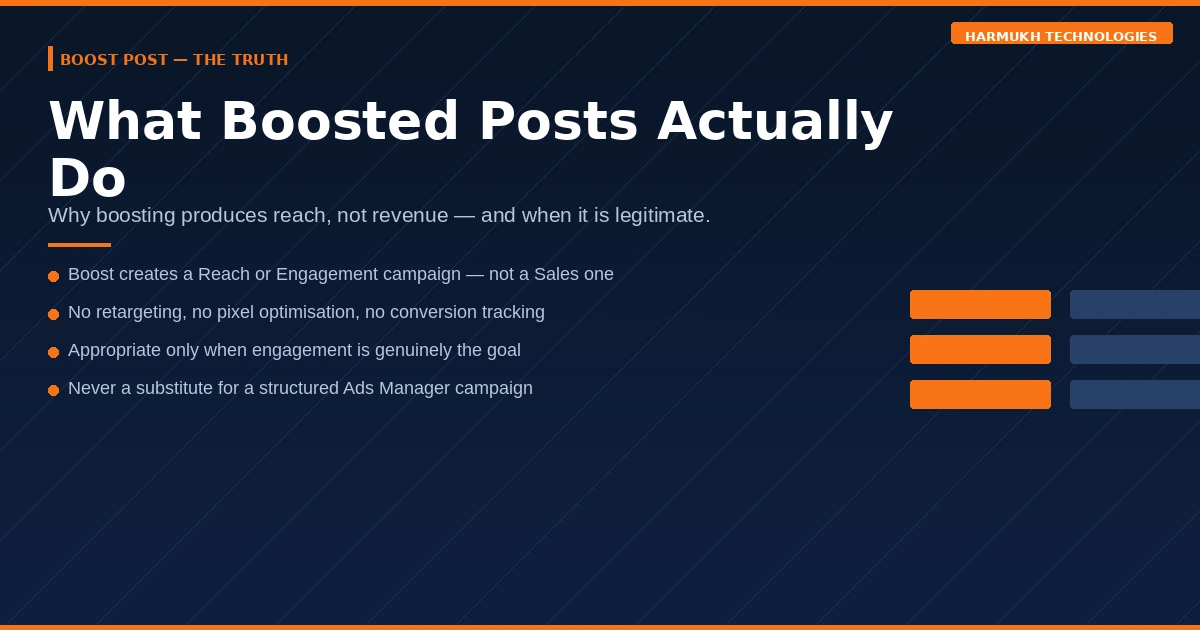
The Boost Post button appears below every post on your Facebook Page. Clicking it opens a simplified interface that lets you select a goal, a basic audience, and a budget — then pay to show that post to more people. It is Meta’s most accessible advertising entry point and, used correctly, a legitimate tool. Used without understanding what it actually does, it is one of the most efficient ways to waste a marketing budget.
What boosting actually does
When you boost a post, you are creating a simplified Engagement or Reach-objective campaign in Ads Manager — whether you realise it or not. Meta is not boosting your post to people who are most likely to buy from you. It is boosting it to people in your selected demographic who are most likely to engage with social content in general — likes, comments, shares.
The targeting options available through the Boost interface are a small subset of what Ads Manager offers. You can target by location, age, gender, and basic interest categories. You cannot retarget your website visitors, exclude existing customers, build lookalike audiences from your pixel data, or specify a conversion event. You also have no control over placement — Meta decides where to show the boosted post.
When boosting is a legitimate choice
Boosting is appropriate in two specific scenarios. First, when your objective genuinely is engagement — you want more people to see a post and interact with it, and you understand that social proof (likes, comments, shares) is the goal rather than direct business outcomes. Second, when you are a very small business with no pixel tracking, no customer data, and no conversion infrastructure — in which case the full Ads Manager setup may be premature, and a boosted post represents a low-risk way to test whether paid amplification generates any response at all.
In all other situations — for businesses with website traffic, with a pixel, with conversion data — Ads Manager campaigns will outperform boosts structurally, because they can optimise toward outcomes that matter rather than engagement metrics that do not.
What to stop doing with the Boost button
Stop boosting posts as a substitute for a paid social strategy. Stop interpreting post likes and reach from a boosted post as evidence that the spend is working. Stop boosting product posts and expecting purchases — the Boost interface cannot optimise for purchases. If you have been boosting posts and wondering why your Meta spend has not produced measurable business outcomes, this is almost certainly part of the explanation.
For a deeper look at how Meta’s algorithm actually makes delivery decisions, our guide on integrated paid social strategy covers the mechanics of auction dynamics and creative optimisation in detail.
Instagram Promote — The Mobile-First Shortcut
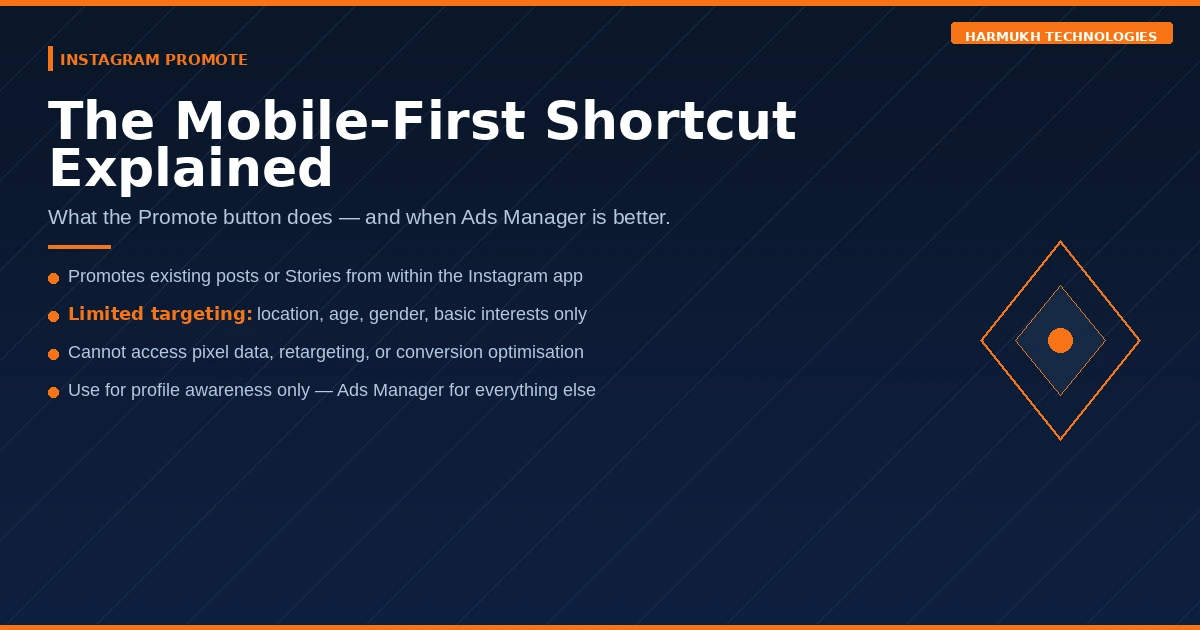
The Promote button on Instagram works similarly to Facebook’s Boost Post — it is a simplified, mobile-first interface for amplifying an existing organic post or Story to a wider audience. Like Boost, it creates a campaign in Ads Manager behind the scenes, but with limited control over the variables that determine performance.
What Instagram Promote can and cannot do
Instagram Promote lets you select a goal — more profile visits, more website visits, or more messages — and a basic audience defined by location, interests, and age. It does not allow retargeting, lookalike audiences, conversion-event optimisation, or placement selection beyond Instagram itself.
The interface is built for simplicity, which is both its advantage and its limitation. A business owner with no digital marketing background can launch a promoted post in under five minutes from their phone. That accessibility comes at the cost of precision — the campaign will reach people who fit basic demographic criteria, not necessarily people who are likely to become customers.
When it makes sense
Promoting on Instagram makes sense when your objective is genuinely profile or account growth, when you are testing whether a specific piece of content resonates with a new audience before investing in a full campaign, or when your business is at the very early stage of building a social presence and full Ads Manager setup would be premature.
For any campaign with measurable conversion objectives — leads, enquiries, purchases — Ads Manager is the appropriate tool regardless of whether Instagram is your primary placement.
Advantage+ Campaigns — Meta’s AI-Automated Option
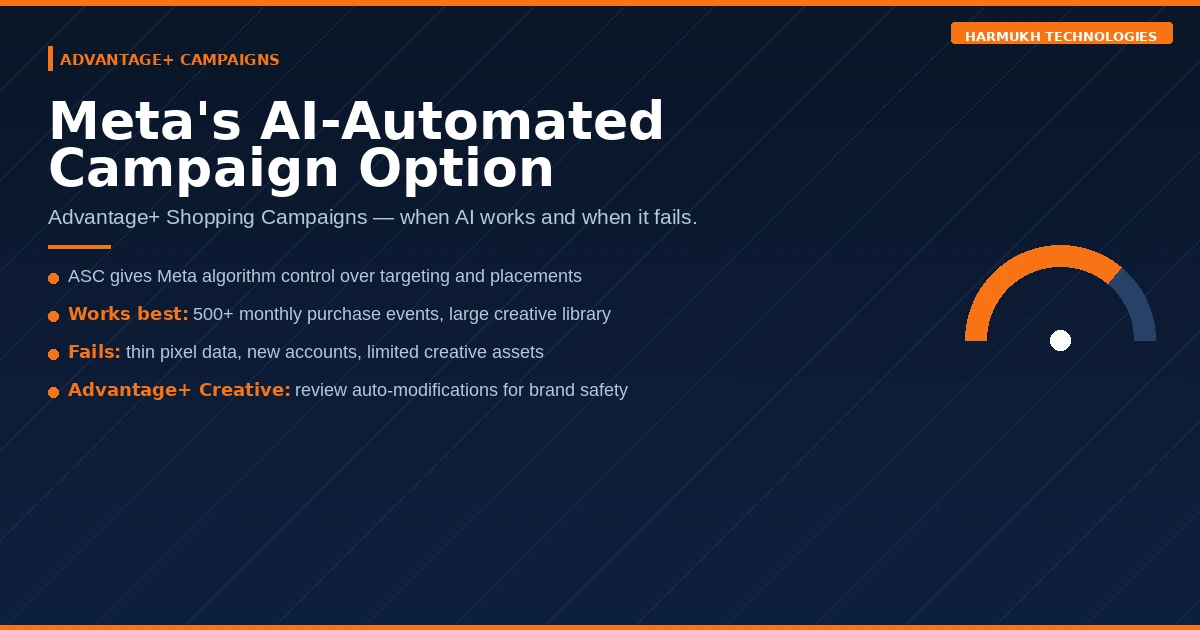
Advantage+ is Meta’s umbrella branding for its AI-automated campaign products. Advantage+ Shopping Campaigns (ASC) and Advantage+ App Campaigns are the two primary variants available in Ads Manager in 2026. They represent a fundamentally different philosophy from manual Ads Manager campaigns — one in which Meta’s algorithm is given broad latitude to determine targeting, placements, creative combinations, and budget allocation.
How Advantage+ Shopping Campaigns work
In an Advantage+ Shopping Campaign, you upload your creative assets and set a budget. Meta’s algorithm decides who to show your ads to across its entire auction — including both prospecting (new audiences) and retargeting (existing website visitors and past customers) within a single campaign. You surrender control over audience segmentation in exchange for Meta’s promise to find the most efficient path to purchases at scale.
When it works: Advantage+ Shopping Campaigns tend to outperform manually structured campaigns when the account has a mature pixel with substantial purchase data — typically 500+ purchase events per month — and when the creative library is large enough to give the algorithm sufficient variation to test. Brands with established audiences and high-frequency purchase products often see lower CPAs from ASC than from equivalent manually structured campaigns.
When it does not work: ASC performs poorly in accounts with thin conversion data, new pixels, or limited creative assets. It also provides significantly less diagnostic data than manual campaigns — when performance drops, it is harder to isolate whether the issue is audience, creative, placement, or bid strategy, because the algorithm does not report on those decisions in the same way.
Advantage+ Creative
Separate from Advantage+ campaigns, Advantage+ Creative is a feature within standard Ads Manager ad sets that allows Meta to automatically adjust your creative assets — cropping images for different placements, adding music to video, generating text variations — to improve performance. In 2026, Meta applies Advantage+ Creative features by default in most new ad sets. Reviewing and selectively disabling these adjustments is worth doing when brand consistency is a priority, as some automated modifications — particularly AI-generated text variations — may not reflect your brand voice accurately.
Meta Ad Placements — Feed, Stories, Reels, Audience Network, and Messenger
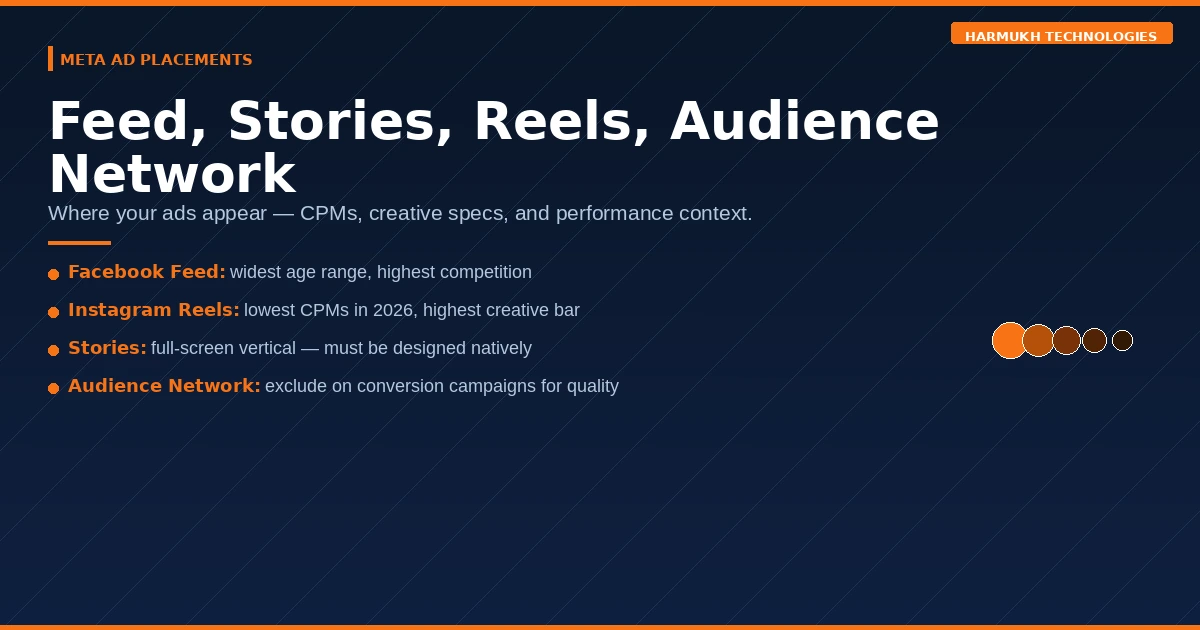
Placement is where your ad appears across Meta’s family of apps and networks. Choosing placements strategically — rather than accepting Meta’s default Advantage+ Placements setting — gives you control over the context in which your creative is seen and the CPM you pay for that context.
Facebook Feed
The primary feed on Facebook’s mobile and desktop apps. The most established placement, with the largest inventory and a broad audience age range. Feed ads support all formats — image, video, carousel, collection. CPMs are typically moderate relative to other placements. Competition is highest here, which means creative quality and targeting precision matter more than in lower-competition placements.
Instagram Feed
The primary feed on Instagram. Instagram Feed audiences skew younger than Facebook Feed and have higher expectations for visual quality. Ads that look like ads — with heavy text overlay, corporate photography, or obvious promotional framing — underperform significantly compared to creative that feels native to the Instagram aesthetic. Square (1:1) and portrait (4:5) formats outperform landscape on Instagram Feed consistently.
Facebook and Instagram Stories
Full-screen vertical placements between organic Stories. Stories placements typically deliver lower CPMs than Feed, making them cost-efficient for awareness objectives. Creative must be designed natively for 9:16 — repurposed Feed creative with letterboxing consistently underperforms native Stories creative. Interactive elements — polls, questions, countdown timers — are available on Instagram Stories ads and can improve engagement rates.
Facebook and Instagram Reels
Reels placements are Meta’s fastest-growing inventory in 2026, with CPMs currently lower than Feed due to expanding supply and moderately lower competition. The content standard is the highest of any placement — Reels audiences will scroll past any creative that feels promotional within the first second. Brands that can produce short-form video content that genuinely entertains or informs before pitching see strong performance here. Brands that repurpose product photography into vertical video with text overlays typically do not.
Audience Network
Meta’s extended network of third-party apps and websites that have integrated Meta’s advertising SDK. Audience Network placements deliver the lowest CPMs of any Meta placement and extend reach beyond Meta’s owned apps. However, click quality and conversion rates from Audience Network are typically lower than from Meta’s owned placements. For most conversion-focused campaigns, excluding Audience Network is worth testing — particularly for lead generation campaigns where click fraud and form spam rates are higher on third-party inventory.
Messenger
Ads that appear in the Messenger inbox between conversations, or as sponsored messages sent directly to people who have previously interacted with your business on Messenger. Inbox placements tend to have high visibility but low click rates relative to Feed. Sponsored messages — sent to existing conversation threads — can be effective for re-engagement campaigns but require an existing Messenger audience to send to.
Which Meta Ad Type Should Your Business Actually Use?
With this many options in front of you, the practical question is straightforward: where should you actually start?
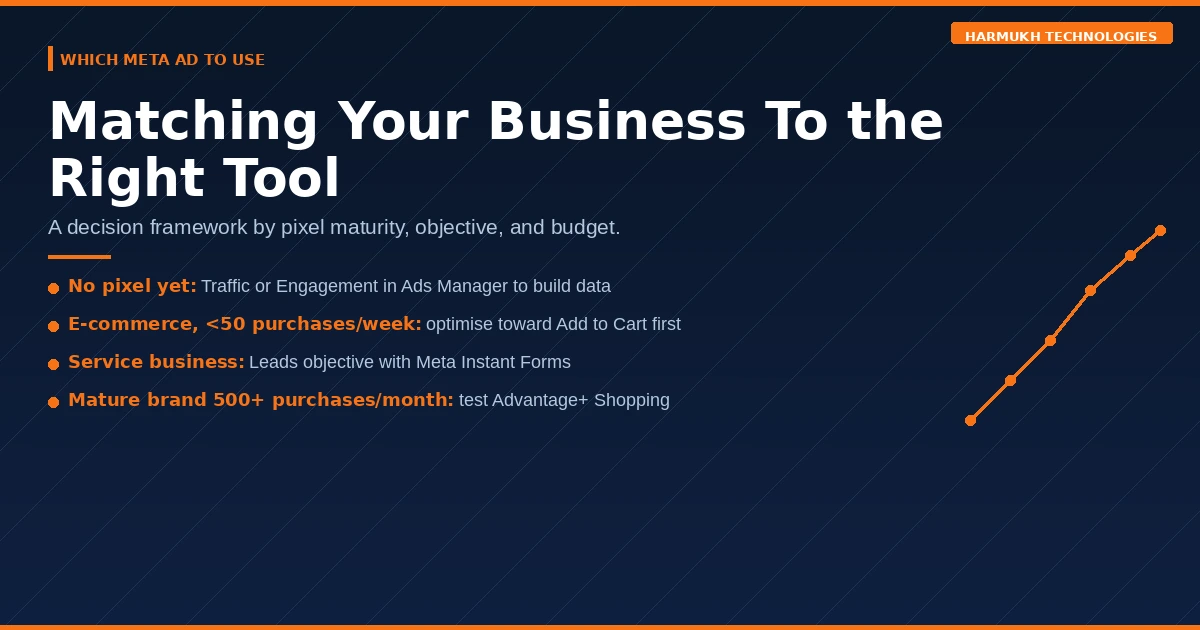
If you are a new business with no pixel and no customer data: Start with a Traffic or Engagement campaign in Ads Manager targeting a broad, interest-based audience. Focus on building pixel data volume before attempting conversion-optimised campaigns. Boosting high-performing organic posts to build social proof is legitimate at this stage.
If you are an e-commerce business with an active pixel but fewer than 50 weekly purchases: Use a Sales campaign in Ads Manager optimised toward a higher-volume event — Add to Cart or Initiate Checkout — until you accumulate sufficient purchase data to switch to purchase-event optimisation. Do not use Advantage+ Shopping until your pixel has 500+ monthly purchases.
If you are a service business generating leads: Use a Leads objective campaign in Ads Manager with Meta Instant Forms for maximum volume, running parallel to a Sales objective campaign with pixel-tracked website form completions for quality comparison. The Instant Form will likely generate more leads; your CRM will tell you whether those leads convert at the same rate as website-form leads.
If you are running brand awareness alongside performance: Keep Awareness and Reach campaigns structurally separate from Traffic, Leads, and Sales campaigns. Mixing objectives within a campaign structure prevents Meta’s algorithm from optimising cleanly for any single outcome.
If you are a mature e-commerce brand with 500+ monthly purchases: Test Advantage+ Shopping Campaigns against your manually structured campaigns on an equivalent budget. Give ASC at least 4–6 weeks before comparing ROAS — the algorithm requires time to exit its learning phase before performance stabilises.
For the complete performance marketing framework we apply across all client accounts, see our performance marketing campaign setup guide.
Frequently Asked Questions About Types of Meta Ads
What is the difference between Facebook Ads Manager and Boost Post?
Ads Manager is the full professional interface for creating and managing Meta ad campaigns — giving you control over objectives, audiences, placements, budgets, creative formats, and optimisation events. Boost Post is a simplified shortcut that creates a limited Engagement or Reach campaign behind the scenes with minimal targeting control. Ads Manager campaigns almost always outperform boosted posts for measurable business outcomes because they can optimise toward conversions rather than engagement.
Should I use Boost Post or Ads Manager for my business?
For any campaign with a measurable business objective — leads, enquiries, purchases, or website traffic with conversion tracking — use Ads Manager. The Boost button is appropriate only when engagement and reach are genuinely the objective, or when your business is in its earliest stage with no pixel, no customer data, and no conversion infrastructure in place.
What are the different types of Meta ad formats?
Meta’s main ad formats are Single Image, Single Video, Carousel (2–10 swipeable cards), Collection (hero image or video with a product grid below), Instant Experience (full-screen mobile microsite), Stories (full-screen vertical), and Reels (full-screen vertical video). The right format depends on your objective, your creative assets, and your audience’s stage in the buying journey.
What is Advantage+ and should I use it?
Advantage+ is Meta’s AI-automated campaign product. Advantage+ Shopping Campaigns give Meta’s algorithm control over targeting, placements, and creative optimisation in exchange for reduced manual control. They work best for e-commerce businesses with mature pixels — 500+ monthly purchase events — and strong creative libraries. They underperform for accounts with thin data, new pixels, or limited creative assets.
Which Meta ad placement performs best?
There is no universally best placement — performance depends on your objective, creative format, and audience. Facebook and Instagram Feed placements deliver the most consistent volume. Instagram Reels and Stories placements currently offer lower CPMs and strong reach for brands with native vertical video creative. Audience Network typically delivers lower conversion quality than Meta’s owned placements and is worth excluding on conversion-focused campaigns.
What is the minimum budget for Meta Ads?
Meta has no absolute minimum, but practically speaking: a Sales-objective campaign needs enough daily budget to generate at least 1–2 conversion events per day to avoid the learning phase. For a CPA of ₹500, that means a daily budget of at least ₹500–₹1,000. Campaigns running below this threshold will remain in the learning phase indefinitely and produce unstable, expensive results.
Do Meta ads work for small businesses in India in 2026?
Yes — Meta’s auction-based pricing means small businesses can compete at any budget level. The constraint is not budget size but strategy quality. Small businesses that run Conversion-objective campaigns in Ads Manager with proper pixel tracking, native creative, and realistic target CPAs consistently outperform larger businesses running poorly structured campaigns at higher budgets. The most common mistake is using the Boost button as a substitute for an actual campaign structure.
What is the difference between Instagram Promote and Facebook Ads Manager?
Instagram Promote is a simplified interface that amplifies existing Instagram posts or Stories from within the Instagram app. It offers limited targeting options — location, age, gender, basic interests — and cannot access your pixel data, retargeting audiences, or conversion optimisation. Ads Manager offers full campaign control including all of these capabilities. For any campaign beyond basic profile awareness, Ads Manager is the appropriate tool even when Instagram is your primary placement.
The Bottom Line
Meta’s advertising ecosystem offers more entry points, more formats, and more automation options than at any point in its history. That breadth is an advantage for sophisticated advertisers and a trap for anyone who treats every option as equivalent.
The Boost button and Instagram Promote exist for accessibility. Ads Manager exists for performance. Advantage+ exists for scale — but only once the foundation of pixel data, creative assets, and conversion infrastructure is in place. Understanding which tool is appropriate for your objective, your data maturity, and your business model is the starting point for any Meta campaign that produces returns worth measuring.
If your Meta spend has been generating reach and engagement without generating revenue, the answer is almost certainly not more budget. It is a structural change to campaign objective, audience strategy, and creative approach.
For the metrics framework we use to measure Meta campaign performance across all client accounts, see our complete Meta Ads metrics list. For a view of how Meta advertising integrates with search and organic channels in a full performance strategy, see our guide on integrated digital marketing for better ROI.
Running Meta Ads and not seeing returns proportional to your spend?
At Harmukh Technologies, we audit Meta ad accounts and identify exactly where budget is being lost — whether that is a campaign structure problem, a pixel issue, a creative mismatch, or an objective misalignment. Get in touch for an honest account assessment with no obligation.